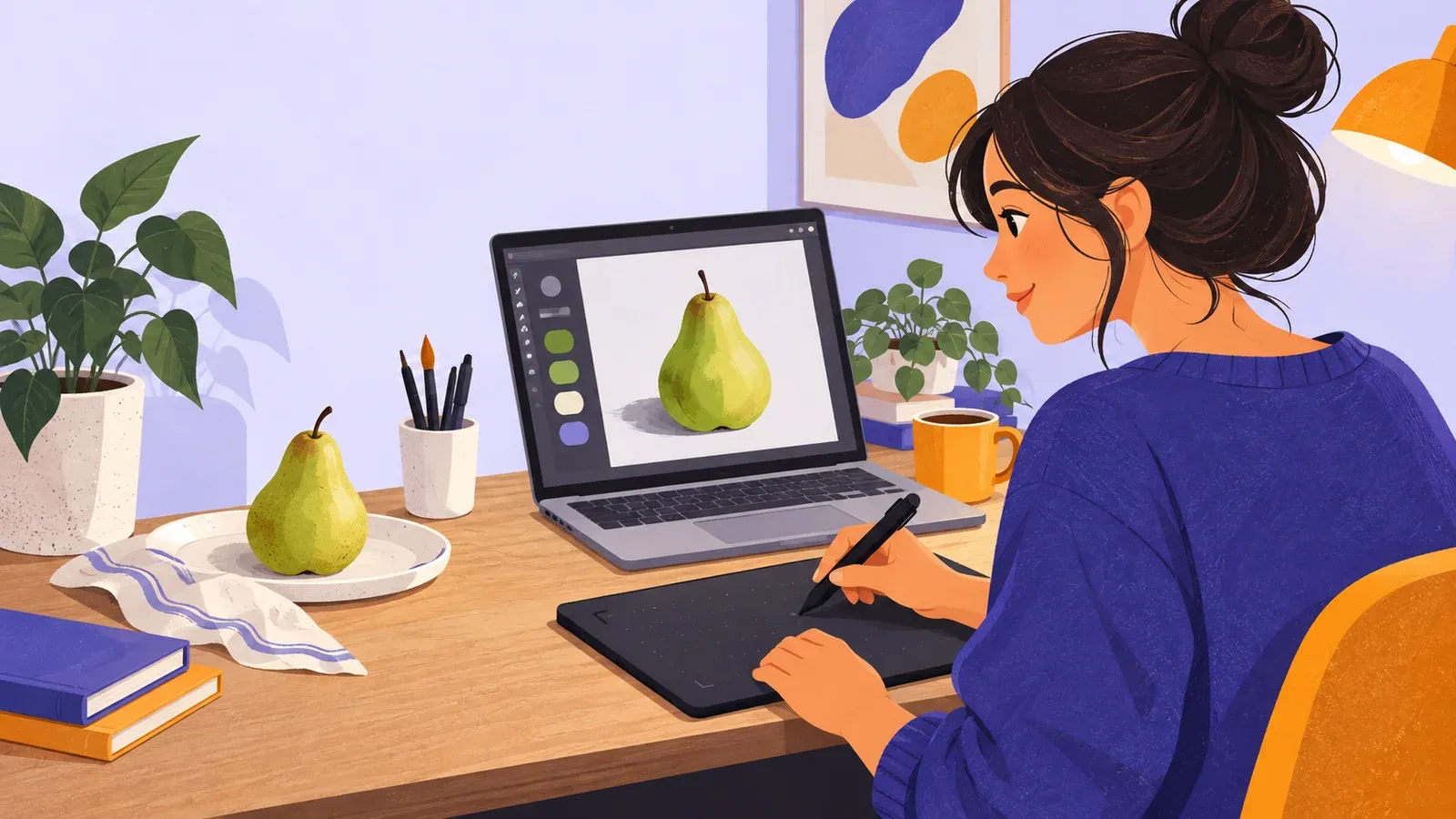
How to start digital art with a simple painted pear
- Cost to start
- Free–$40
- Difficulty
- Beginner
- First result
- 60–90 minutes
Free software on existing hardware; optional borrowed or basic tablet
Simple observation and three layers; no prior software skill needed
One small pear study saved as a source file and PNG
Set up a small digital canvas, learn brushes and layers, paint one object from observation, and export a finished image using tools you already have.
What you need to know
-
Start on a device you already own
A computer with a mouse or an existing tablet and stylus is enough to test the workflow. Borrow a pen tablet before buying one if drawing by mouse frustrates you.
-
Use one basic opaque brush
Brush libraries can consume the whole session. Pick a pressure-sensitive round brush, or a fixed-size round brush with a mouse, and learn its size and opacity controls.
-
Separate sketch, color, and shadow
Three named layers are enough to experience the main advantage of digital painting while keeping the file understandable and easy to revise.
-
Save the working file and an export
Keep a layered source file for future edits, then export a flattened PNG for viewing. An exported image alone cannot preserve the same editing options.
Choose the smallest workable setup
Use the computer, laptop, or tablet you already have. Check Krita’s current official download and system requirements before installing it; obtain software from its official site or your operating system’s trusted store.
Observe the pear as a few shapes
On the sketch layer, choose a medium gray and draw the object’s outside shape with several light passes. A pear can begin as a large rounded lower mass joined to a smaller upper mass. Compare height with width.
Paint broad color before detail
Activate the color layer beneath the sketch. Increase the brush size and block in the entire pear silhouette with the middle color. Use the eraser to clarify the outer shape.
Choose the next constraint, not the next device
Paint the same pear again in 30 minutes using a larger brush. Alternatively, paint a differently shaped object while keeping the three-layer structure. Repetition exposes whether the main difficulty is observation, input control, color choice, or software navigation.

Krita setup and painting workflows
- Krita common workflows manualOfficial documentation explaining sketching, painting, line-art color, layers, masks, and other established workflows without tying the concepts to paid hardware.
- Krita FAQ and tablet troubleshootingCheck these official answers about installation, files, memory, displays and pen input before changing drivers or performance settings.

Beginner digital-painting demonstrations
- Krita digital painting for beginnersA first-contact video from Krita's official channel covering the interface, brushes, navigation, and common setup problems in the free application.
- Aaron Blaise's five-step digital painting lessonThis sponsored-hardware demonstration still provides a five-stage painting process that transfers to other suitable tools.