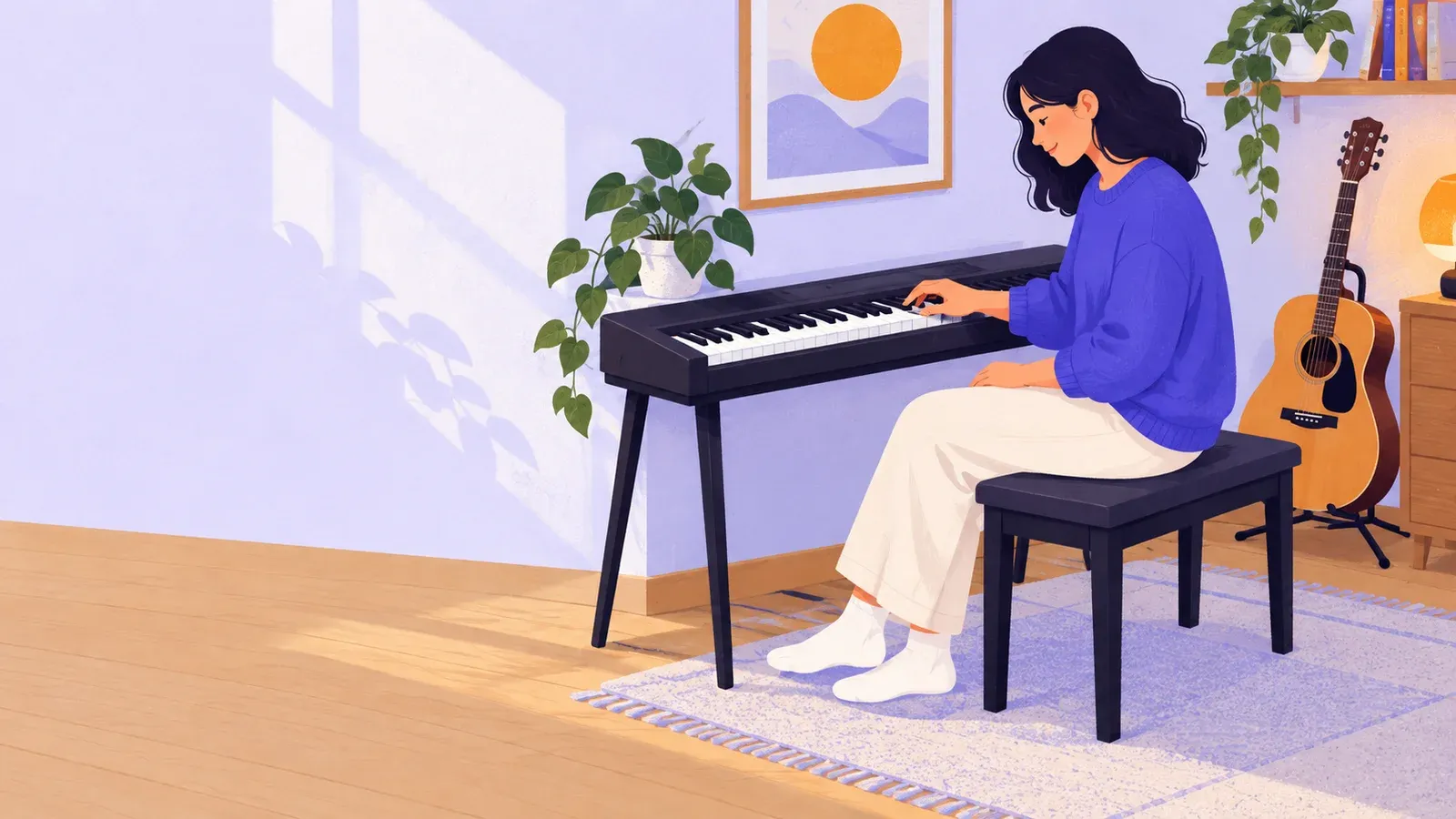
Playing musical instruments: choose one and try it
- Cost to start
- US$0 to try with existing kit
- Difficulty
- Beginner
- First result
- A repeatable four-note pattern
Borrow a keyboard or use a device; lessons and gear may cost.
Start with a few notes; full technique takes further practice.
Spend 20–30 minutes choosing and trying the keyboard example.
Choose an instrument that fits your space and budget, then try a short keyboard exercise with borrowed keys or a free browser piano.
What you need to know
-
Instrument access for a trial
Borrow a playable keyboard for this example, or use the virtual piano on an existing computer with sound and JavaScript enabled.
-
A comfortable practice spot
Put physical keys on stable support with a suitable seat; leave room to sit without reaching or hunching, and keep the volume comfortable.
-
A short pattern and count
Have C D E D in view and count a slow, steady pulse. A private recording is optional; you need no music-reading experience.
Choose an instrument you can try again. In 20–30 minutes, narrow the choice and play a few notes. The keyboard pattern below is one worked example.
Choose something you can return to
Pick a sound or musical role you enjoy. A keyboard can play melody and chords; guitar or ukulele is portable; drums emphasize rhythm. Yamaha’s instrument guide explains how these families make sound. Choose one or two to try.
Find out whether you can borrow or rent one. Consider where you can practise without disturbing others and whether it feels comfortable to hold or sit at. Try it with a teacher or experienced player if possible. Ask about lessons and upkeep before buying. If you prefer another instrument, use a beginner lesson specific to it.
Play one keyboard pattern
On a physical keyboard, sit with feet supported, relaxed shoulders and elbows near key level. Yamaha’s posture guide illustrates this. Find a group of two black keys near the middle. C is the white key just left of them; D and E are the next white keys to the right. Musicca’s note guide shows the repeating pattern.
Play C, D, E, D: four note events using three pitches. Say “one, two, three, four” slowly, playing one note on each count and releasing it as the next begins. Repeat the same pattern a few times. Keep your hand comfortable; don’t stretch to cover all the keys at once. On Musicca’s browser piano, click the labelled keys or use its computer-keyboard shortcuts. Computer letters are controls, not the names of the notes. The browser version lets you hear the order and test your pace, but cannot reproduce physical key feel or teach posture.
Listen to one attempt. If the order breaks, play C and D alone before adding E and the final D. If the counts rush, slow your pulse. Stop if the setup hurts. Note whether you like the sound and can practise again. Try physical keys before judging keyboard touch, or arrange a lesson for your chosen instrument.

Choose an instrument and try the example
- Yamaha Musical Instrument GuideExplore how keyboard, string, wind and percussion instruments work and how each is played.
- Musicca virtual pianoTry the note pattern with a computer keyboard or mouse before arranging access to physical keys.
- Yamaha: piano postureCheck seat height, supported feet and a relaxed hand position for the physical-keyboard example.