Sell a tested Lightroom preset for food photos
- What it pays
- Example US$10 gross per sale
- Cost to start
- US$11.99/month, annual plan
- Difficulty
- Moderate
- First result
- One tested XMP preset
US$8.91 contribution before software, work and tax. No sales promised
Adobe subscription, platform and payment fees, support and refunds
Requires basic RAW editing and a second-user compatibility test
Package it with a README and honest before/after examples
Make one gentle-contrast preset for window-lit food RAWs, test its export and import, then draft a product page with honest examples.
What you need to know
-
Lightroom Classic desktop
Use a tested version. The US plan requires an annual commitment.
-
Your own food RAW photos
Use five owned window-light food RAWs with varied brightness.
-
An independent import tester
Find a Classic user to test the exported file and instructions.
Build one restrained food look
Use copies of five owned, well-exposed window-light food RAWs. Correct exposure and white balance individually, using one built-in profile. In Lightroom Classic 16.0.1, try Contrast +10, Highlights −15, Shadows +10, Vibrance −5. Check food colour, pale plates and shadow detail across all five. If contrast is harsh, lower it and rerun the set.
In Create Preset, choose Check None and select only those four controls. Exclude Exposure, White Balance, profiles and masks. Export your original .xmp preset, then ZIP it with a README listing the Classic version, tested camera RAW types and profile, import steps, lighting limits and contact.
Have another Classic 16.0.1 desktop user import the file using only your README, then apply it. They should confirm the four intended controls change while Exposure and White Balance stay unchanged. A new catalog on your machine may share installed presets, so it cannot prove clean transfer. Fix import failures before offering the ZIP.
Show the actual difference
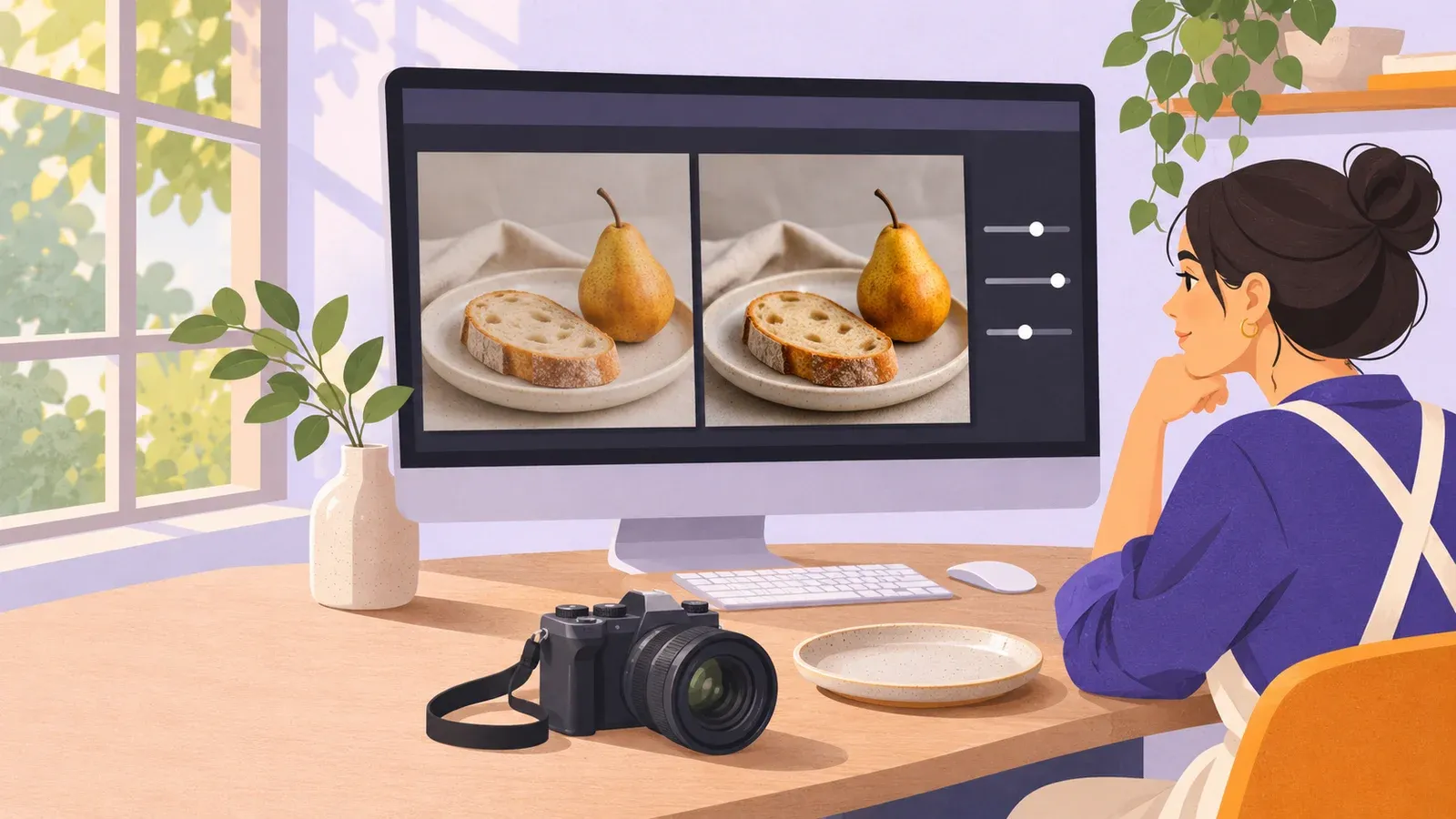
For each before/after pair, use the same owned photo, crop, exposure, white balance and base edits. Apply only the preset to the after. Disclose the shared base corrections. Show varied food and light without promising a match for every image.
Price a limited download
Draft a Payhip Free page for food bloggers with paired previews, XMP and README, tested Classic version and RAW inputs, US$10 example price, and download after payment. Permit use on their own personal or commercial photos, without preset redistribution. Offer file-error correction, a support response window and applicable refund terms.
For one US domestic-card sale without tax, ads or currency conversion, Payhip takes 5% (US$0.50) and Stripe takes 2.9% + US$0.30 (US$0.59). US$10 gross − US$1.09 fees = US$8.91 contribution, before the US$11.99 monthly Adobe plan with annual commitment, overhead, tax and unpaid work. Allow four hours to make, test and list it, plus 15 minutes support per order. A 100% Payhip coupon test verifies delivery, not live payment.
Finding your first clients
-
Fix the tester's stumbling points
Ask what failed, then revise and retest.
-
Show food bloggers the range
Show matched examples, supported inputs and the US$10 price.
-
Share a direct product link
Share where promotion is welcome. Track support time.

Build and test the preset
Package and price the download
- Payhip digital product helpPackage the preset and instructions as a digital download with a clear product page.
- Payhip pricingCheck Payhip's platform charge and the payment fees that apply on top.
- Stripe US pricingCheck the US domestic-card processing fee used in the example and its exceptions.
- Payhip checkout testingTest the buyer's download experience and distinguish it from a real payment test.